Commerce
Cart drawer
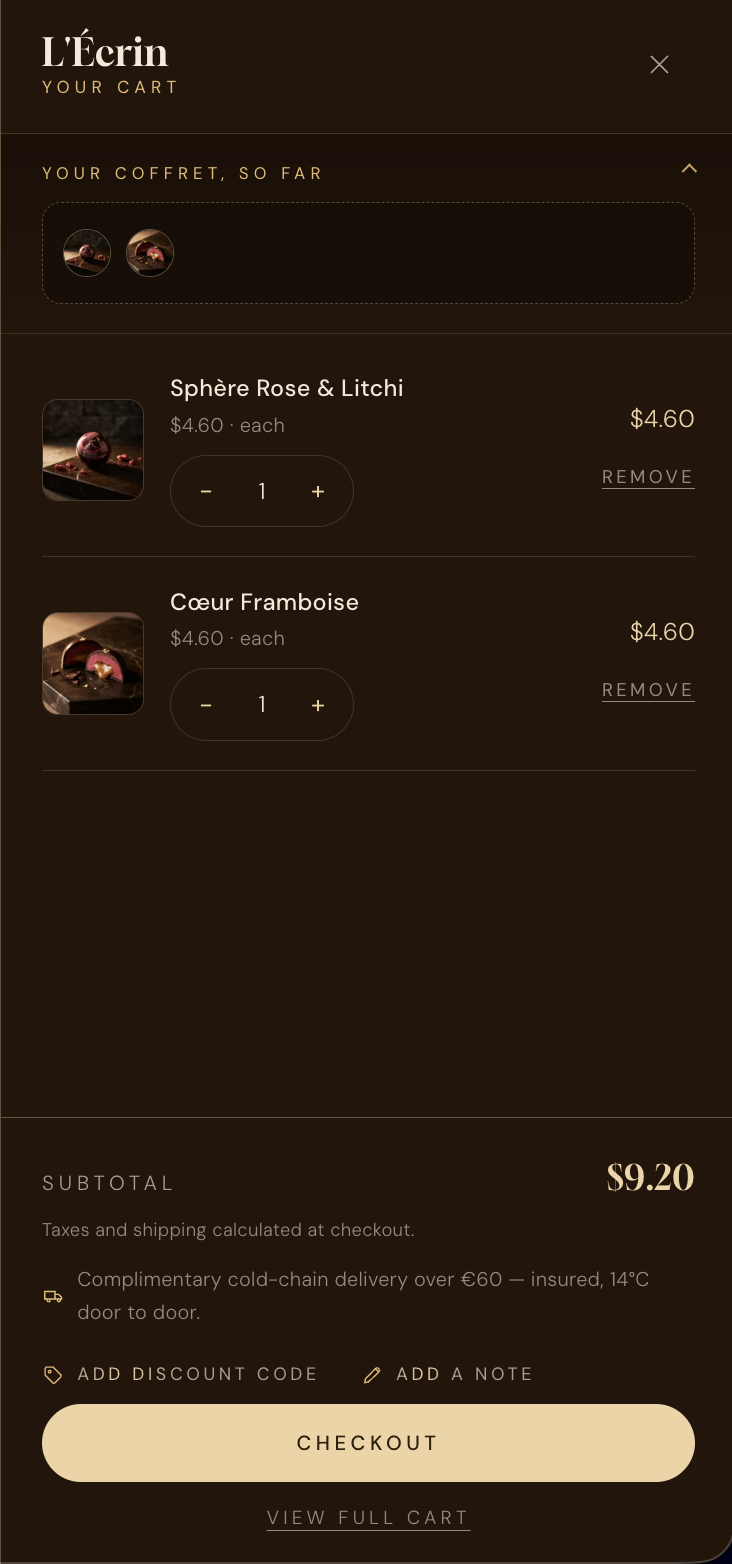
A slide-in cart that keeps shoppers on the page. It carries an optional visual “piece tray”, a collapsible discount field and order note, and a shipping-expectation line you can scope by country.
The piece tray#
The tray shows a little gallery of what’s in the cart — ideal for coffret builds, where the box is made of many pieces. It’s a collapsible accordion, open by default, and shows an overflow count past twelve pieces.
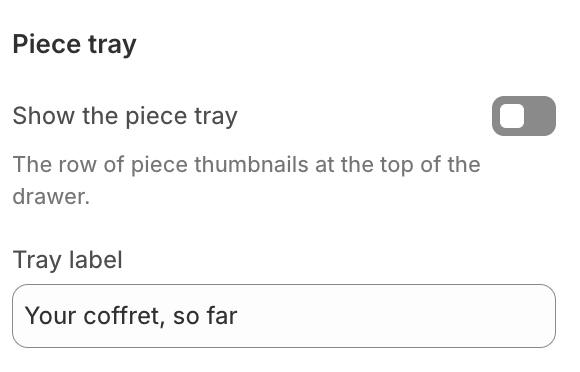
Turn it off entirely
show_tray off and nothing tray-related renders — the drawer becomes a clean, conventional cart.
Discount code & order note#
The footer offers an Add discount code field and an Add a note box, laid out side by side as accordions — only one opens at a time. Both apply over AJAX without a page reload. Codes are validated against the cart and shown with a remove control; the note saves automatically.
| Setting | Type | Default | Description |
|---|---|---|---|
drawer_title | text | — | Heading at the top of the drawer. |
show_tray | checkbox | On | Show the visual piece tray. |
tray_label | text | — | Label above the tray. |
empty_title | text | — | Heading shown when the cart is empty. |
empty_text | text | — | Supporting line for the empty state. |
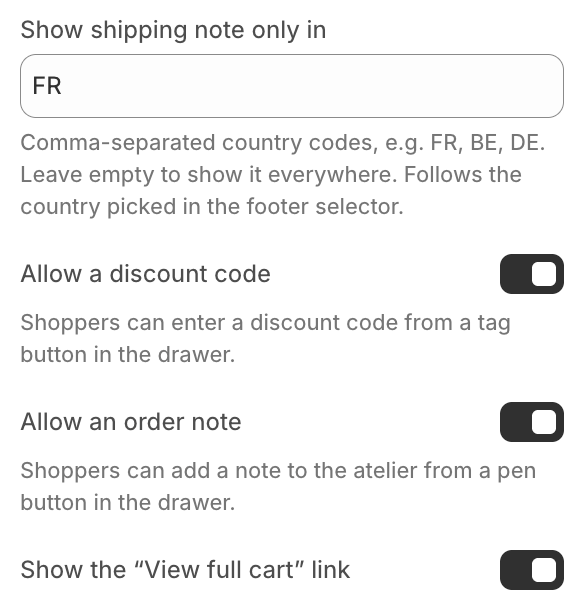
shipping_note | text | — | A shipping-expectation line (e.g. delivery time). Leave empty to hide. |
shipping_note_countries | text | — | Comma-separated ISO codes — show the note only for those markets. Empty = everywhere. |
show_discount | checkbox | On | Offer the discount-code field. |
show_note | checkbox | On | Offer the order-note box. |
show_view_cart | checkbox | On | Show the “View full cart” link below checkout. |
Auto-open on add
cart_auto_open in Theme settings → Cart.Scoping the shipping note by market#
The shipping line can follow the shopper’s selected country. Enter the ISO codes where the note applies — for example US, CA — and it appears only for those markets, staying accurate as customers switch region.