
Getting started
Theme settings
Global settings live in Customize → Theme settings (the gear icon). They apply across every page. Section-level options are documented with each section.
Colours#
Maison Glacé uses a small, disciplined palette. You set six base colours; the theme derives tints, shades and borders from them automatically, so contrast stays consistent.
| Setting | Type | Default | Description |
|---|---|---|---|
color_bg | color | #21120B | Page background — the cacao base. |
color_surface | color | #2C1A11 | Cards, drawers and raised surfaces. |
color_surface_deep | color | #180D07 | Deepest wells — code, insets, footer. |
color_gold | color | #E6C99A | Champagne gold — primary accent, buttons, links. |
color_fram | color | #D16A8C | Framboise — secondary accent and highlights. |
color_text | color | #F6ECE0 | Cream body text. |
Brand#
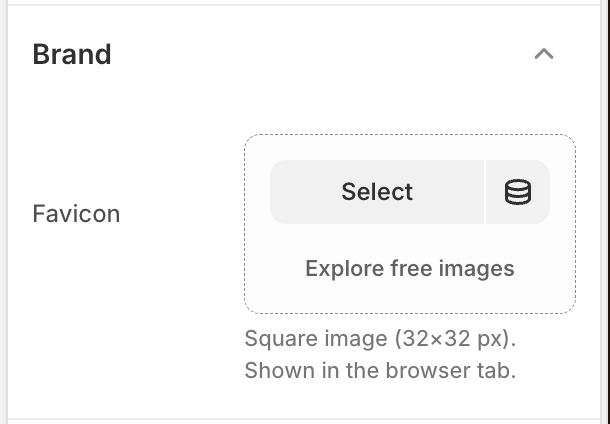
Identity assets shown in the browser and header.
| Setting | Type | Default | Description |
|---|---|---|---|
favicon | image | — | Optional. Square 32×32 px image shown in the browser tab (falls back to none when empty). |
Logo & wordmark
| Setting | Type | Default | Description |
|---|---|---|---|
section_spacing | select | — | Vertical rhythm between sections (compact → airy). |
enable_back_to_top | checkbox | On | Floating button that returns to the top after scrolling. |
show_currency_code | checkbox | Off | Appends the ISO code to prices (e.g. €38 EUR). The number format itself comes from your Shopify currency settings. |
Product cards#
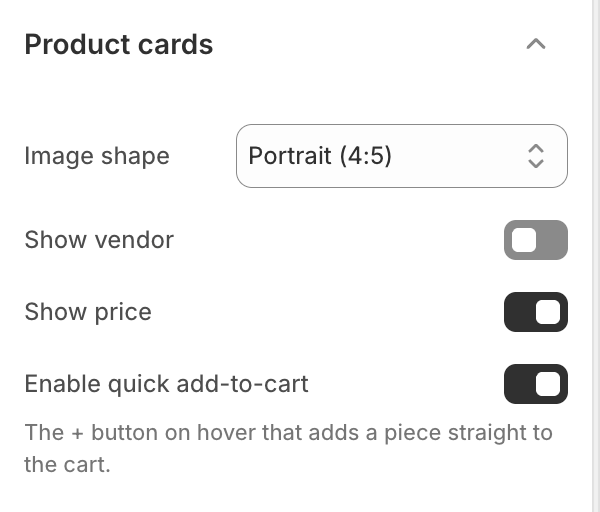
How products appear in every grid — collections, featured sections, search and related.
| Setting | Type | Default | Description |
|---|---|---|---|
card_image_ratio | select | Portrait (4:5) | Proportion every card image is cropped to — Portrait (4:5), Square (1:1) or Landscape (4:3). Applies across all product grids. |
card_show_vendor | checkbox | Off | Show the product vendor above the title. |
card_show_price | checkbox | On | Show the price on the card. |
card_enable_quick_add | checkbox | On | The + button on hover that adds a piece straight to the cart. |
Cart#
Behaviour of the cart. The drawer’s own contents (piece tray, discount field, notes) are configured on the Cart drawer section.
| Setting | Type | Default | Description |
|---|---|---|---|
cart_auto_open | checkbox | On | Slide the cart drawer open automatically after an item is added. |
Store contact#
Used by the contact section, footer and the store-contact snippet.
| Setting | Type | Default | Description |
|---|---|---|---|
contact_phone | text | — | Public phone number. |
contact_whatsapp | text | — | WhatsApp number with country code, e.g. +33 6 12 34 56 78. |
contact_email | text | — | Public email address. |
contact_store_page | page | — | Your store / contact page. |
Social links & sharing#
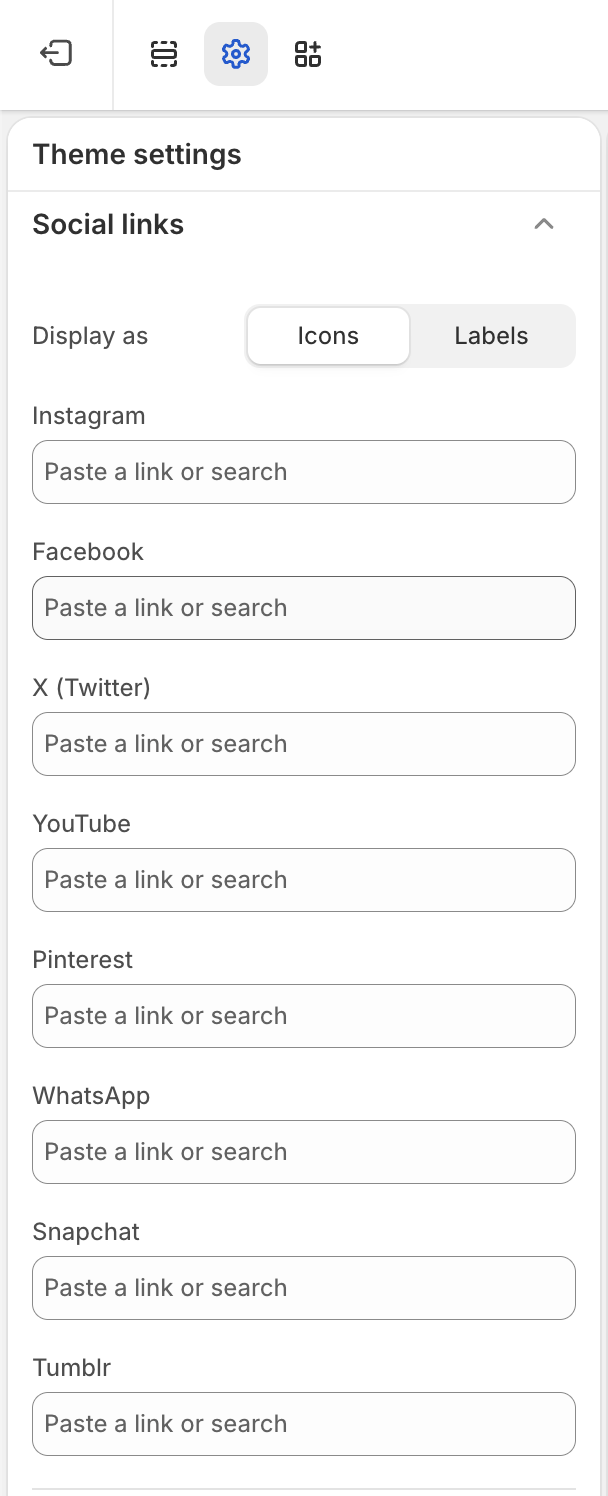
Two groups. Social links are your profile links — shown as icons or labels in the footer and pop-up. Only networks with a value appear; leave the rest empty to hide them.
| Setting | Type | Default | Description |
|---|---|---|---|
social_display | select | Icons | Show each linked network as an Icon or a text Label. |
social_instagram | url | — | Instagram profile URL. |
social_facebook | url | — | Facebook page URL. |
social_twitter | url | — | X (Twitter) profile URL. |
social_youtube | url | — | YouTube channel URL. |
social_pinterest | url | — | Pinterest profile URL. |
social_whatsapp | url | — | WhatsApp link, e.g. wa.me/33612345678. |
social_snapchat | url | — | Snapchat profile URL. |
social_tumblr | url | — | Tumblr blog URL. |
social_custom1 / 2 | text + url | — | Two custom labelled links — a label and a URL each. |
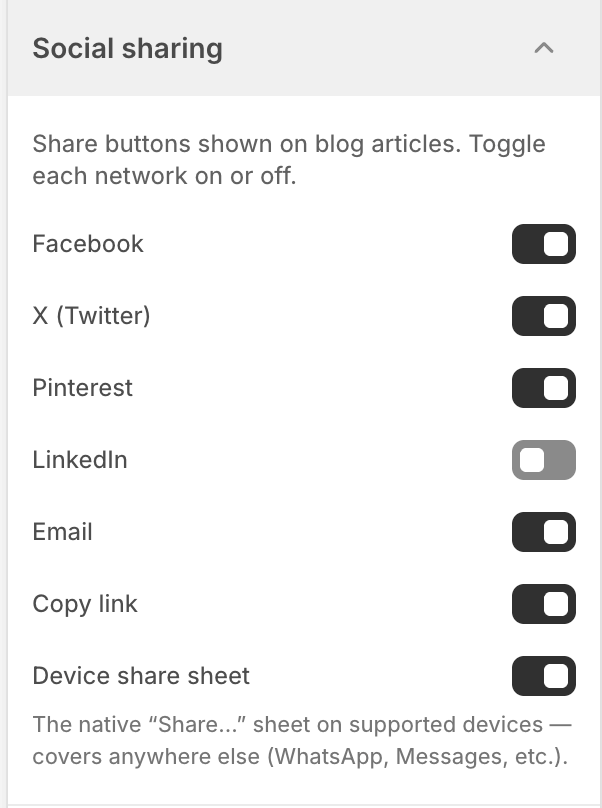
Social sharing — the share buttons on blog articles. Toggle each network on or off.
| Setting | Type | Default | Description |
|---|---|---|---|
share_facebook | checkbox | On | Facebook share button. |
share_x | checkbox | On | X (Twitter) share button. |
share_pinterest | checkbox | On | Pinterest share button. |
share_linkedin | checkbox | Off | LinkedIn share button. |
share_email | checkbox | On | Email share link. |
share_copy | checkbox | On | Copy-link button. |
share_native | checkbox | On | Native device “Share…” sheet — covers anywhere else (WhatsApp, Messages, etc.). |
Share is a themed pop-up
share_native is on.| Setting | Type | Default | Description |
|---|---|---|---|
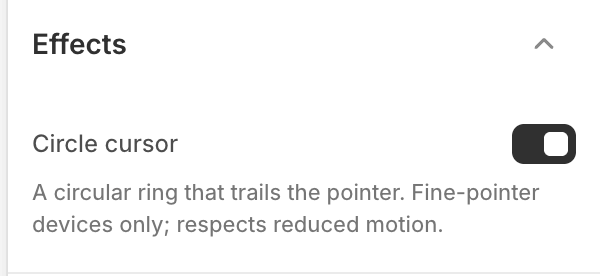
enable_cursor | checkbox | On | A circular ring that trails the pointer. Fine-pointer (mouse) devices only, and it respects reduced-motion. |
Accessibility built in